
New
A redesigned Community page
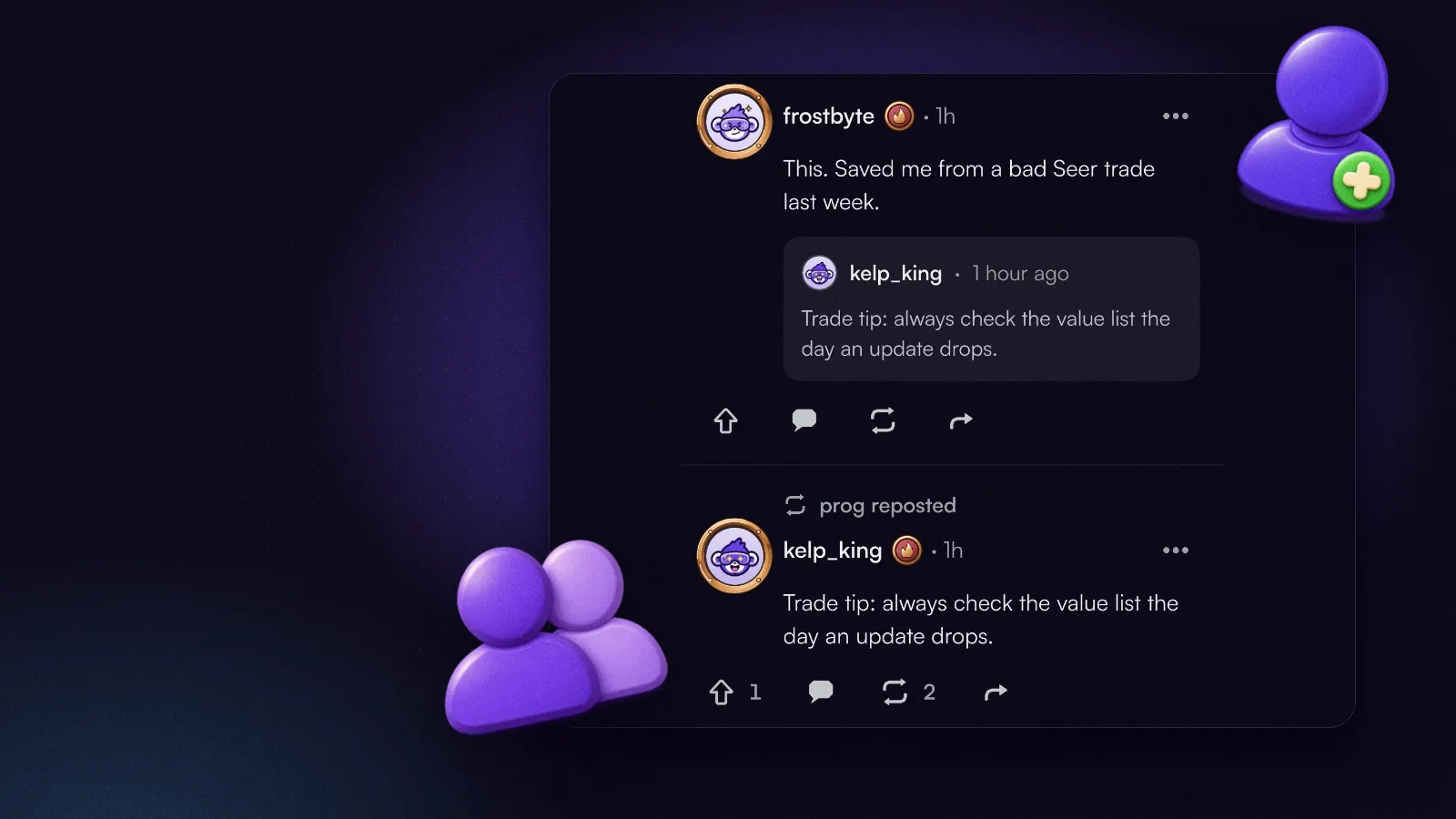
Community now brings posts, questions, WFL checks, giveaways, updates and value changes into one feed, and you can follow the players you want to hear from.
- Game header: Each game's Community page opens with the game's art, how many people are playing it on Roblox right now and how many members its community has on Gameful.
- Post types: The row at the top narrows the feed to one kind of post, and each kind has its own icon.
- Post box: Ask a question and WFL check sit on the post box. WFL check opens the trade picker, and other players vote Win, Fair or Loss right in the feed.
- Sorting: Under the post box, choose whose posts you see from Everyone, For you, Following or Hot, then switch between Recent and Top.
- Badges: Questions, WFL checks, giveaways and updates carry a badge after the time, so you can tell what a post is before you read it.
- From Gameful: Giveaways, updates and value changes come from the Gameful account and appear in every feed. A value change shows the item's picture, its old and new value and how much it moved.
- Events: An event shows its art, when it starts and a Notify me button.
- Following: Choose Follow from a post's ⋯ menu or on someone's profile. Pick Following under the post box to see what they post, newest first.
- Repost and Quote: Repost passes a post on, and people who follow you see that you reposted it. Quote opens a composer with your words above the quoted post.
- Replies: Reply opens a sheet that shows the post you're answering. Opening a post gives it its own page, with the reply box under it.
- Solved questions: When the person who asked chooses Mark as the answer, the question says Solved and shows that answer under it.
- Already answered?: When you write a question, the box offers up to three solved questions like it before you post.
- Edits and saves: You can edit your own post for an hour after posting, and it's marked Edited. Save post in the ⋯ menu keeps it in Saved on your profile, which only you can see.
- Follow notifications: When people follow you, we tell you in one notification a day at most. You can turn these off in your notification settings.
- More as you scroll: More posts load by themselves as you near the bottom, until you reach You're all caught up.